The Vegetable Problem
Watch a five-scene Robert-and-Leo comedy with speaking characters, one consistent kitchen, and a dog with a suspiciously healthy appetite.
Studio Motion Studio Motion only
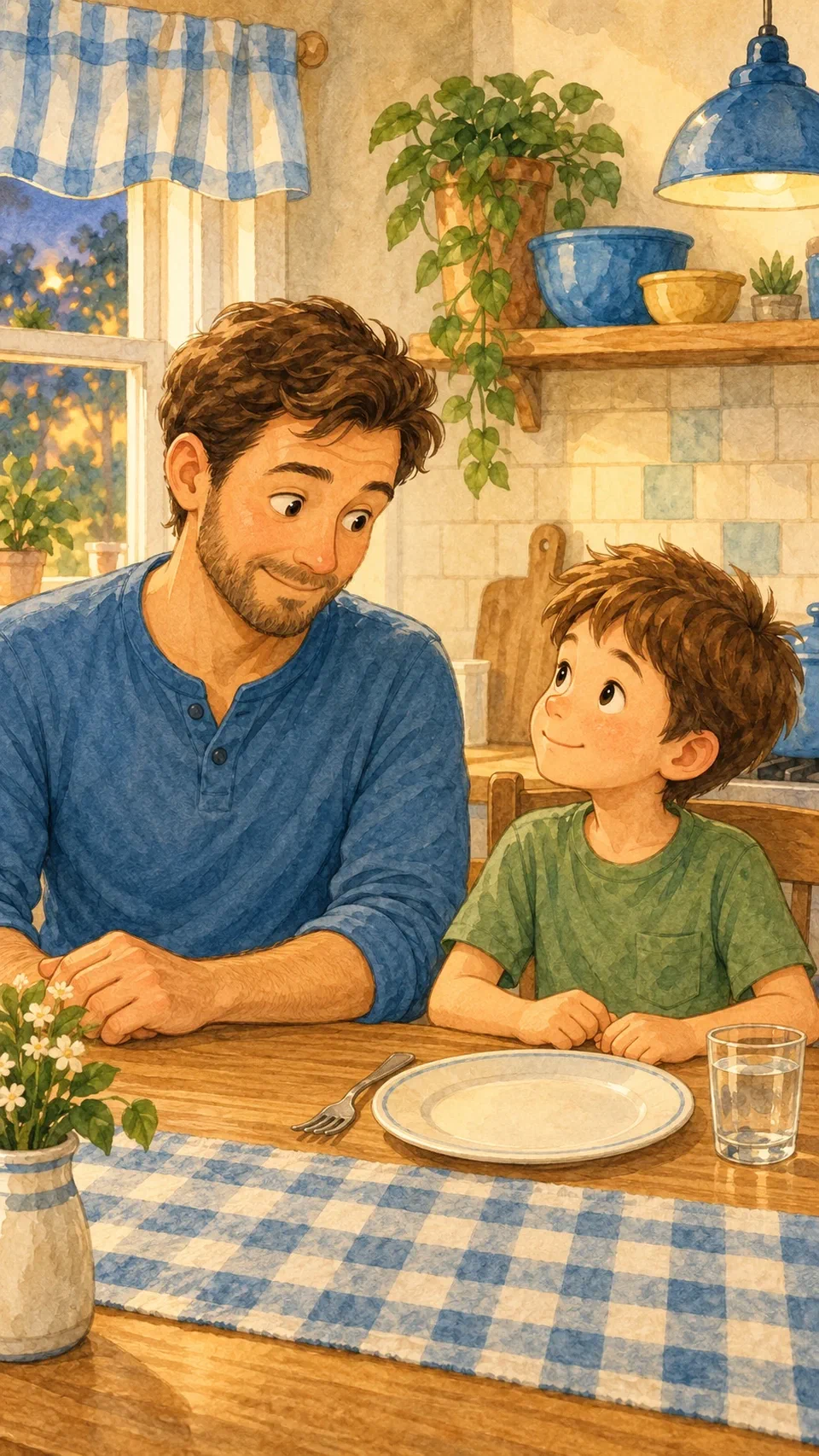
Robert is the dad. Leo is his son. Max is the dog with a suspiciously healthy appetite. This short comedy turns a four-line script into a 9:16 portrait movie with speaking characters.
Watch the movie
Download the video (MP4). The transcript is below.
How it was made
The movie has five scenes. Each one is a 5-second clip directed with Create AI video in Studio Motion.
- One kitchen, one cast. The four dinner-table scenes start from the same kitchen picture, so Robert, Leo, the table, and the light stay the same in every shot. Max has his own picture on the floor beside the table.
- One speaker per clip. Each scene describes the visible speaker, gives him one short line, and keeps the other character listening.
- Trimmed in the app. Each clip was trimmed to start close to its line. The full takes stay in the project, so the timing can be changed later.
- One scene replaced. The last scene was regenerated with a clearer punchline and accepted with Use on page. The first four scenes stayed exactly as they were.
The finished movie is about 17 seconds, including a two-second cover. Each 5-second clip costs 25 credits.
Dialogue transcript
- Robert: Where did all your broccoli go?
- Leo: I found someone who appreciates your cooking.
Max sits under the table, chewing a piece of broccoli.
- Robert: You mean Max?
- Leo: Yes, he gave dinner five stars. He wants seconds!
Try the same workflow
Start each scene from the same picture, describe the visible speaker, and keep each line short. Listen to every clip, trim it to the line, and replace only the scene that needs another attempt.
Create or replace an AI video clip · Keep characters and speech clear