Read it yourself, page by page
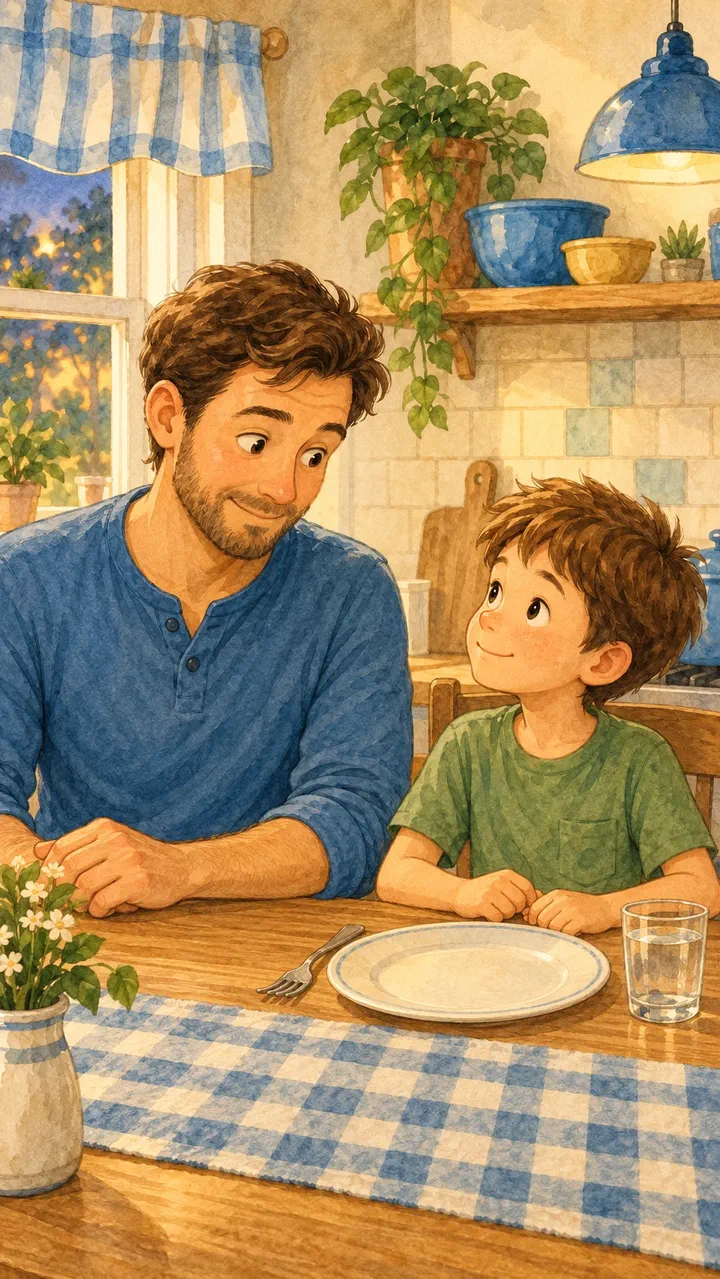
Tap record and read. Listen back, trim the start and end, set the level, add a fade. Do a whole book in one sitting at the kitchen table.
Doodle Dragon Studio
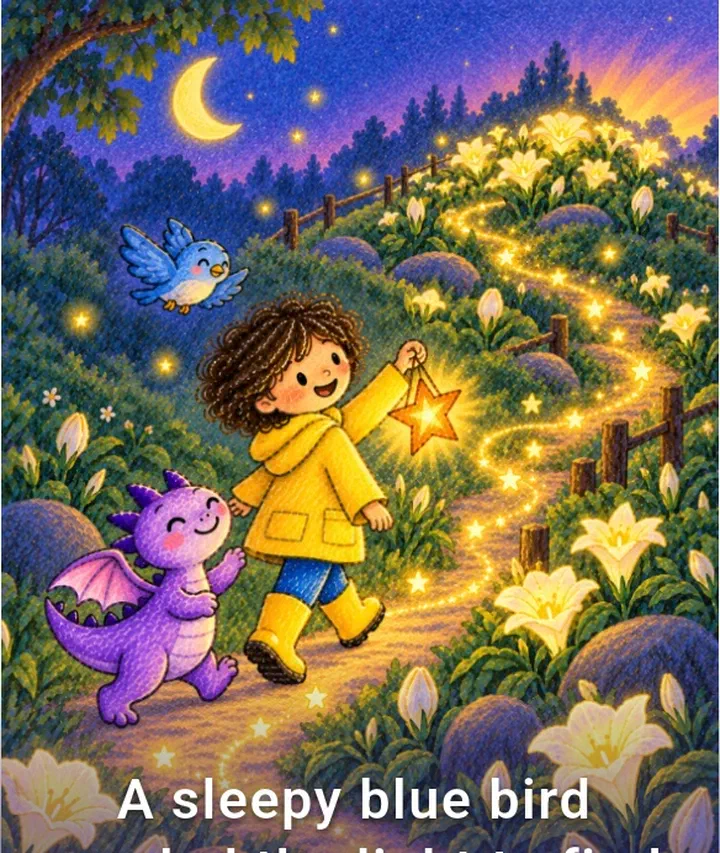
Doodle Dragon Studio turns the drawings on your fridge into a proper illustrated book — and then you read it aloud into it. The pictures are theirs. The voice is yours. Nobody else can make that.
Drawing, recording your narration, and exporting are free and unlimited. Studio Plus adds AI illustration and private cloud backup.
Plenty of apps will read a story to your child in a synthetic voice. None of them can do the one thing that actually counts. Recording your own narration is free, unlimited, and needs no internet — it is not the premium feature, it is the point of the app.
Tap record and read. Listen back, trim the start and end, set the level, add a fade. Do a whole book in one sitting at the kitchen table.
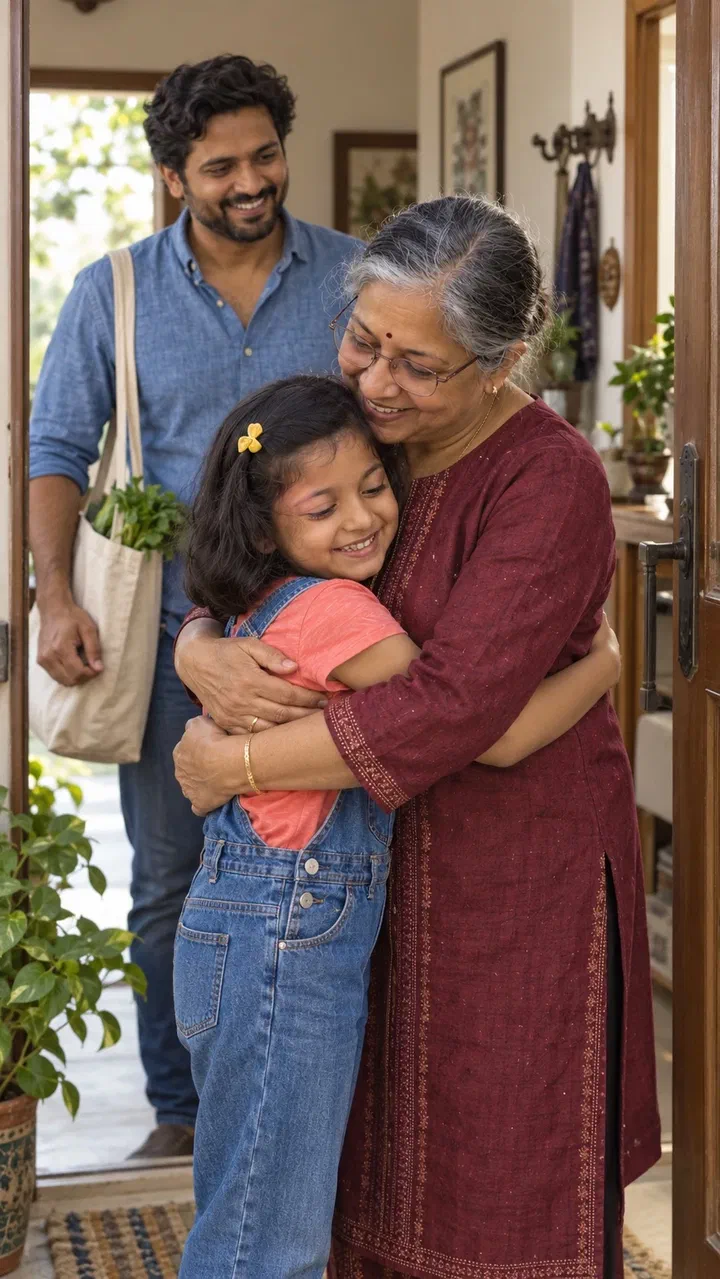
Import an audio file so a grandparent, a co-parent, or someone on the other side of the world can be the voice instead.
Add background music for the whole book and turn on “lower music under narration” so the words stay clear.
Export it and keep it. A recording of a four-year-old's story, read by you, is not something you can buy or regenerate later.
Every project begins with something you already have — a drawing from the kitchen table, a photo from a trip, or an idea you can describe out loud.
Draw straight onto the canvas or photograph a drawing they already made. Keep it exactly as it is, or turn it into a polished illustration that still looks like theirs.
Sketch to illustrationBring in a holiday photo, a birthday, a first day of school. Adjust it with simple looks, or reimagine it as a storybook illustration.
Photo to illustrationChoose a theme, describe the book you want, and get an editable page plan. The app can suggest suitable pictures already in your Library.
AI page planningDrawings, photos, or images you made earlier in the app. Everything lands in your project library with a label showing where it came from.
Choose who it's for, how long it should be, and the tone. Add names, places, and details you want kept in — or skip all of it and write the story yourself.
Change the words, swap the picture, reorder pages, adjust the layout. Nothing is locked and nothing is final until you say so.
Record yourself reading every page. Trim it, level it, add music underneath. This is the step people keep — and it is free and unlimited.
A page-by-page PDF, a video with your narration, clip sound, and music mixed in, or a project file you can hand to another device. Exporting is free and works offline.
A short illustrated book with an opening, editable story pages, and a closing.
Trip photos, stops, highlights, and notes arranged as an editable travel keepsake.
A short album for a birthday, a new sibling, a grandparent. Photos and captions, with illustrated alternates where you want them.
A child's story organised around milestones, favourite things, and a closing letter.
Celebrate a birthday, a first year, or another meaningful occasion in chronological pages.
No opinions, no defaults. Choose your own layout for every page and build whatever you have in mind.
Drawing, colour looks, light and colour adjustments, page layout, recording narration, and exporting a PDF or video are on-device features. They cost nothing, work in aeroplane mode, and never send your pictures anywhere.
Straight answers to the things people ask us most.
Record yourself reading the book, import audio, generate narration, and add background music that ducks under the voice.
Install the app, understand the four main screens, and make your first page in about ten minutes.
Turn a finished project into a page-by-page PDF, a story video, or a portable project archive — and what to do when export fails.
Draw or import a sketch, review the description and style, and generate a finished illustration that still looks like the original drawing.
Export a portable .ddstory archive or use optional Studio Plus cloud backup to restore projects on another device.
Subscribe, restore purchases, change plan, cancel, and understand what happens to your books afterwards.
AI creation belongs to the account holder, who must be 18 or over. Children draw, tell the story, and watch it come together — they never have an account of their own.
Read moreEvery AI request shows you exactly what will be sent and what it will cost before it happens. Free projects never contact an AI service at all.
Read moreYou own what you make. Projects stay local by default, optional Studio Plus backup is private, exports use portable formats, and cancelling never locks you out of your local books or existing cloud restores.
Read morePick a sketch off the fridge, make it into a page, and record yourself reading it. Recording is free, unlimited, and works with no internet at all.